Follow Krypt Pad


ATTENTION: Krypt Pad online services will be shutting down by October 10, 2026. If you would like to keep your data, you must download your existing profiles from the app and decrypt them with the decrypter tool before that date. If you already have an account, you may continue to log in until the shutdown date, but you will not be able to create a new account.
After the shutdown date, all data will be deleted and unrecoverable.
Click here to learn more about the Dekrypter tool to decrypt your downloaded profiles
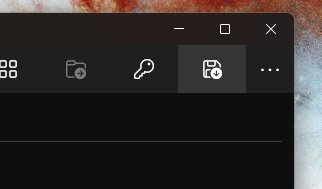
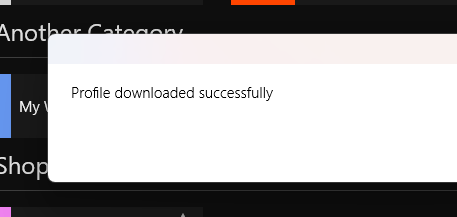
If you have an existing account, you can log in to the Krypt Pad app and download your profiles. Click the Download Profile button on the top right corner of the home screen.
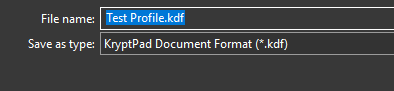
Save your profile somewhere on your computer
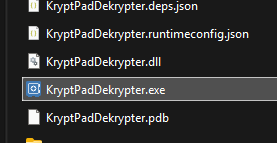
Open the Dekrypter Tool and select the .zip file you downloaded from the app. Enter your master password to decrypt your profiles.
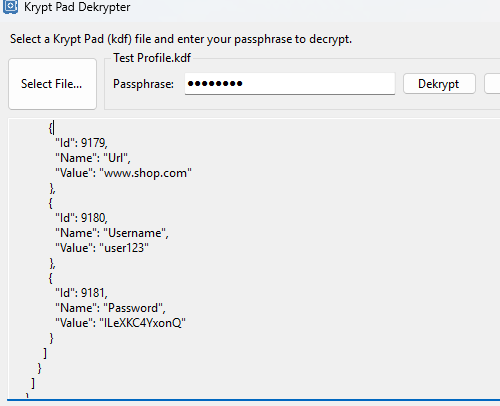
Select your profile you saved and enter the profile passphrase (NOT YOUR LOGIN PASSWORD.)
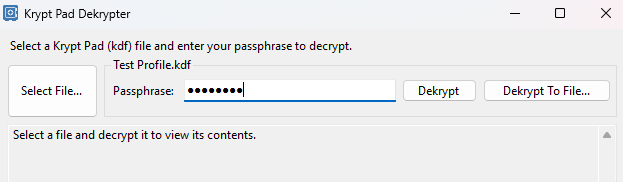
Click the Dekrypt or Dekrypt to File button to decrypt your profile. If successful, you will see your decrypted profile or be able to save the file.